Up to 250 MBper batch upload
Professional image workflow
Professional batch photo restoration. Built for large archives.
Upload a ZIP archive or individual image files. Logowski analyzes every image, recommends the right restoration mode and prepares a production report before processing.
- Original filenames preserved
- Individual mode per photo
- One ZIP export with report
- Commercial use included
Up to 500 photosin one upload
10free credits for new accounts
Create an account, test the restoration workflow and keep every result in My Archive.
Batch workspace
Prepare your restoration job
1
UploadZIP or images
2
AnalyzePer-file advice
3
ReviewConfirm modes
4
Process & exportRestore + download
Temporary uploads are automatically deleted after 2 hours.
| File | Analysis | Recommended mode | Status |
|---|
Built for real archives
Keep original filenames, extensions and folder paths instead of rebuilding a job after every export.
A plan for every image
The analyzer flags faces, fading, scratches and low resolution, then recommends a mode per file.
Predictable production
Review the job before processing and receive a clear CSV report with every result and exception.
Batch capacity
Process serious photo archives in one organized job
Upload a ZIP or individual files. Logowski accepts up to 500 images and 250 MB in one batch while preserving filenames for the final export.
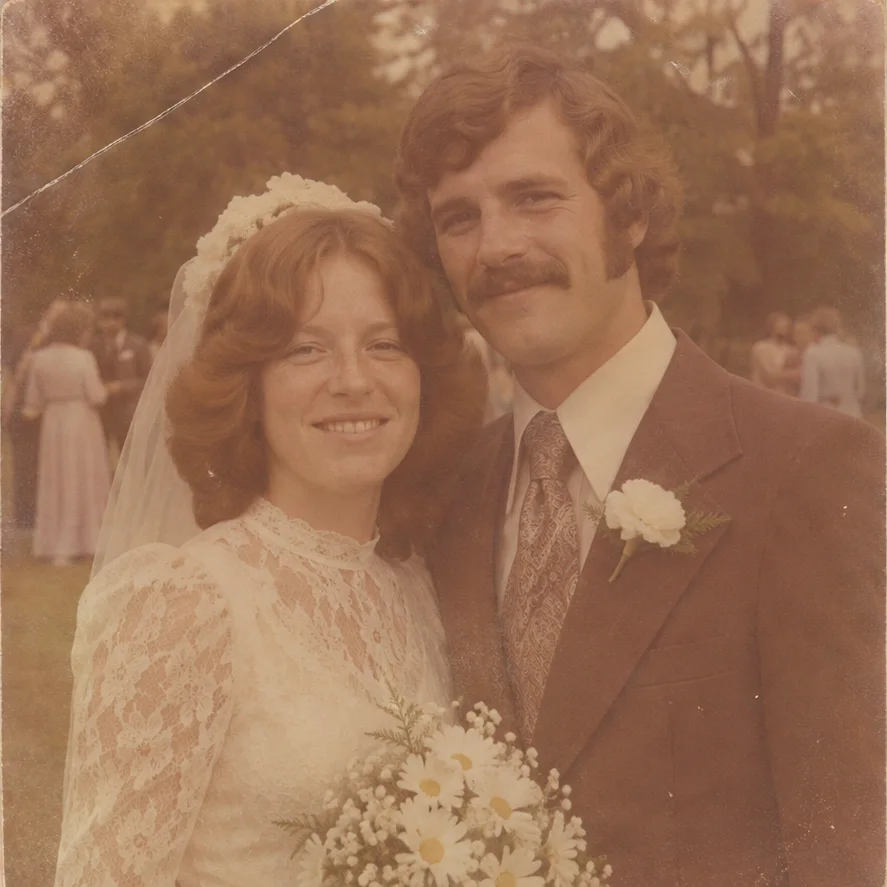
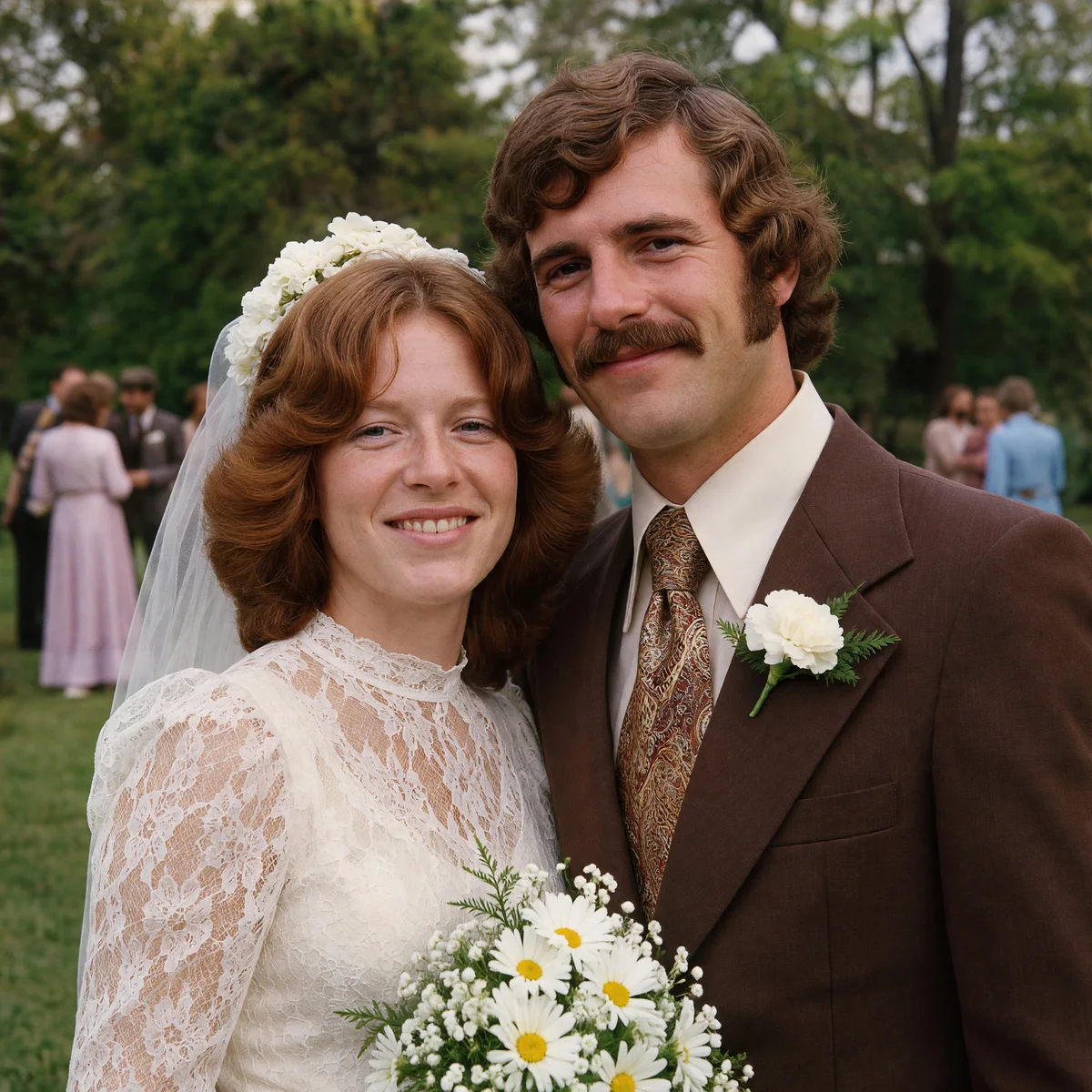
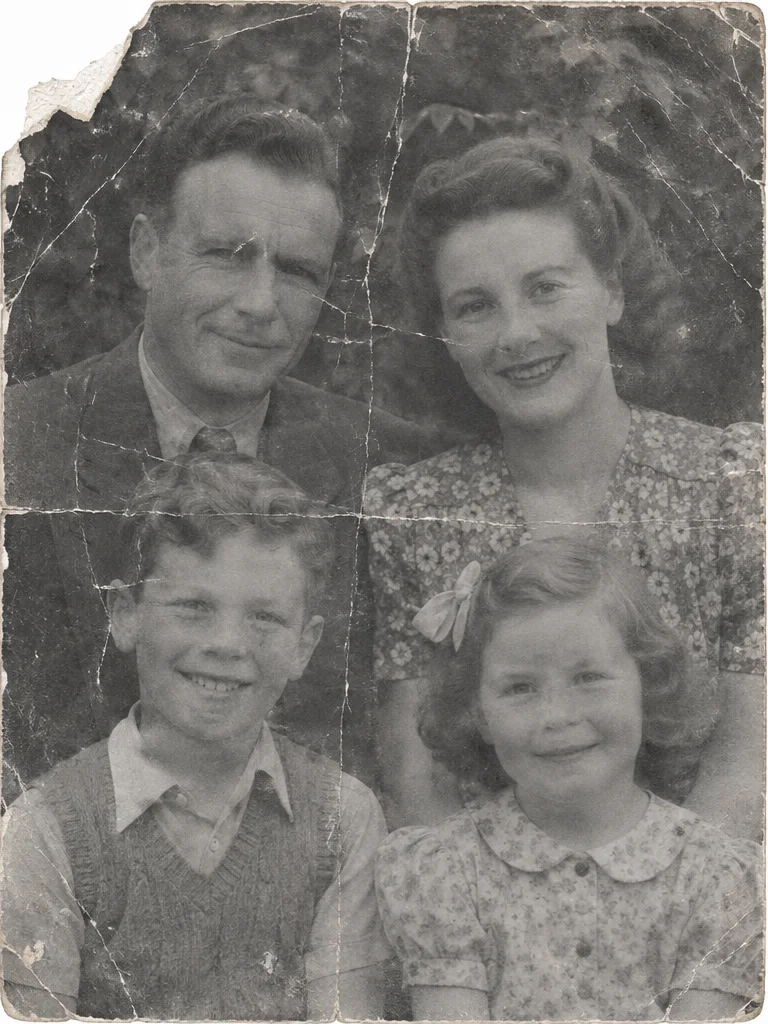
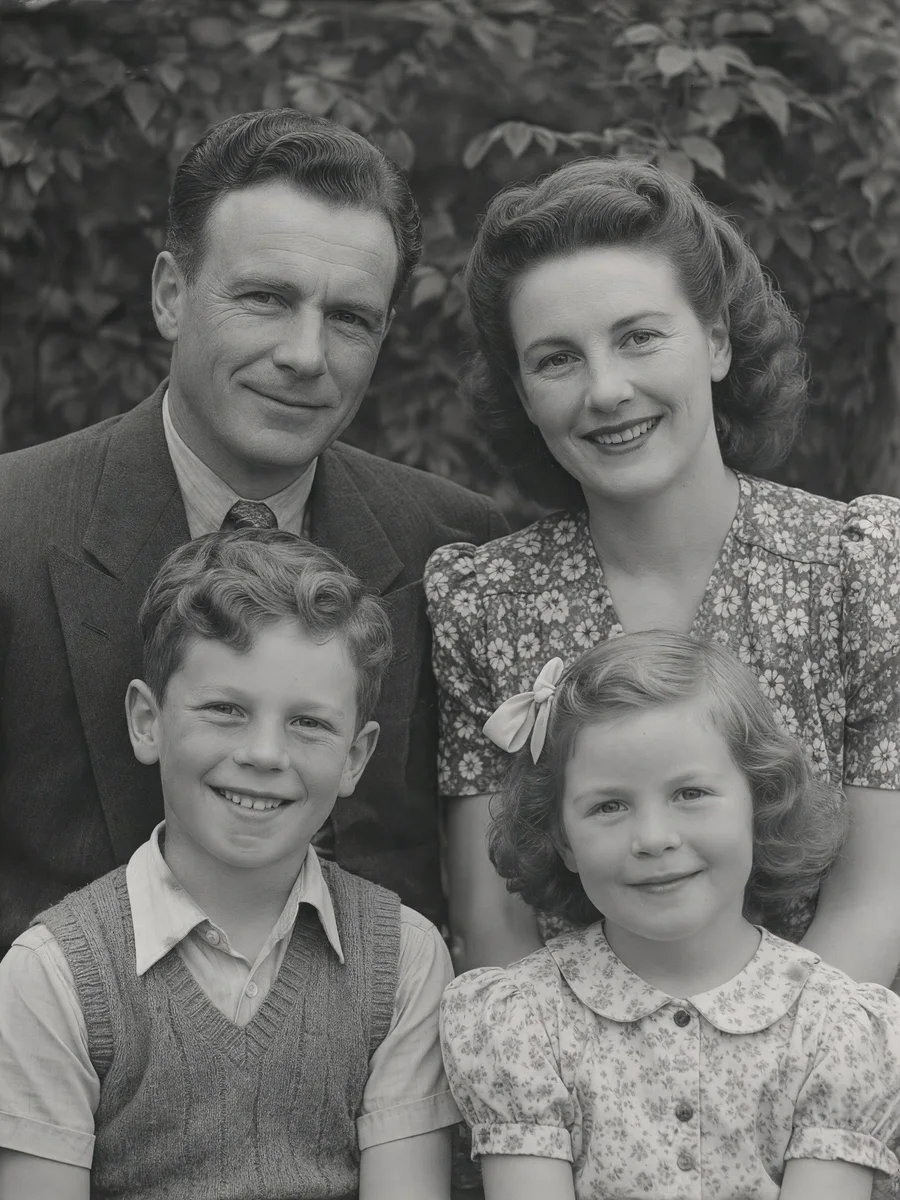
Restoration examples
See what professional AI photo restoration can recover
From faded color prints to folded family photographs, each file receives the treatment selected for its damage and intended output.
 Before
 Result
 Before
 Result
Modern photo enhancement
Not only old photos: recover detail in everyday digital images
These examples use deliberately degraded modern files. Every image marked “Result” is an actual result produced by Logowski.
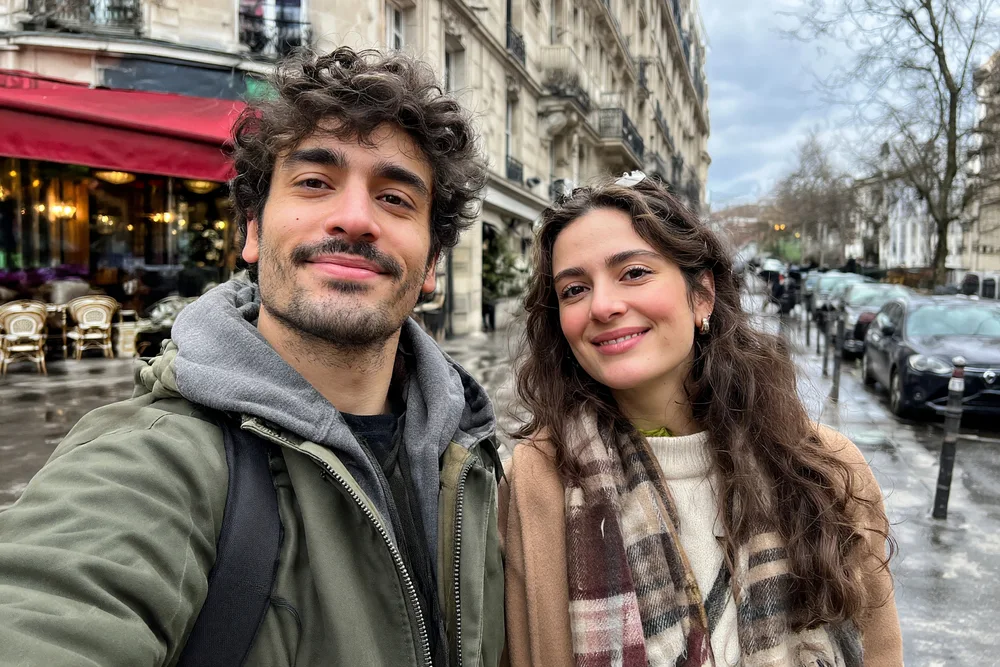
Low-resolution recovery
Reduce pixelation and compression artifacts while recovering clearer faces, clothing and background detail.
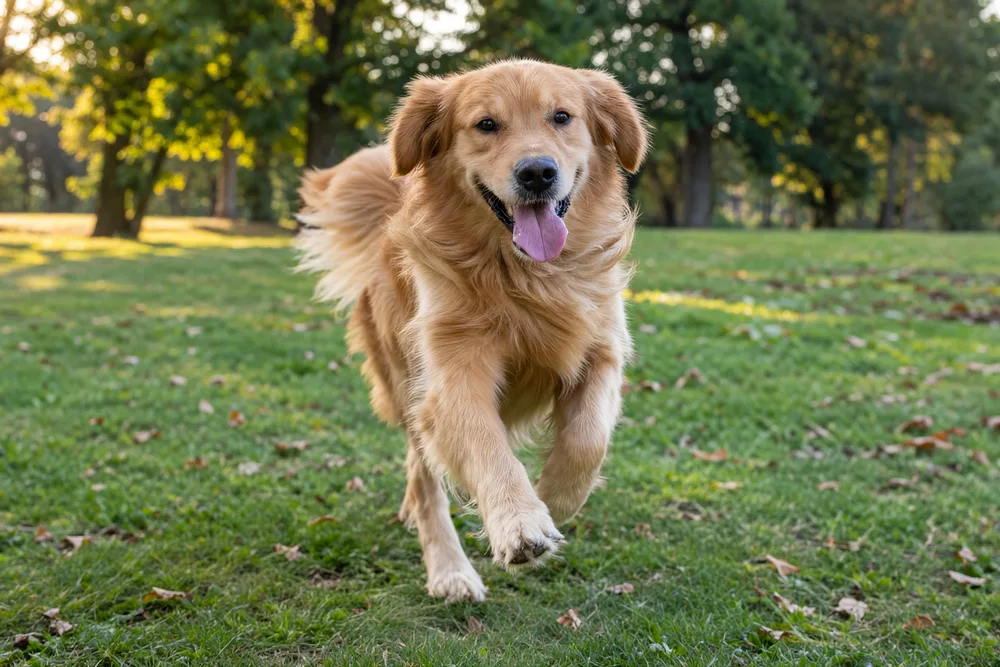
Motion blur correction
Recover a more usable action shot with clearer eyes, fur and scene detail while keeping the original moment.
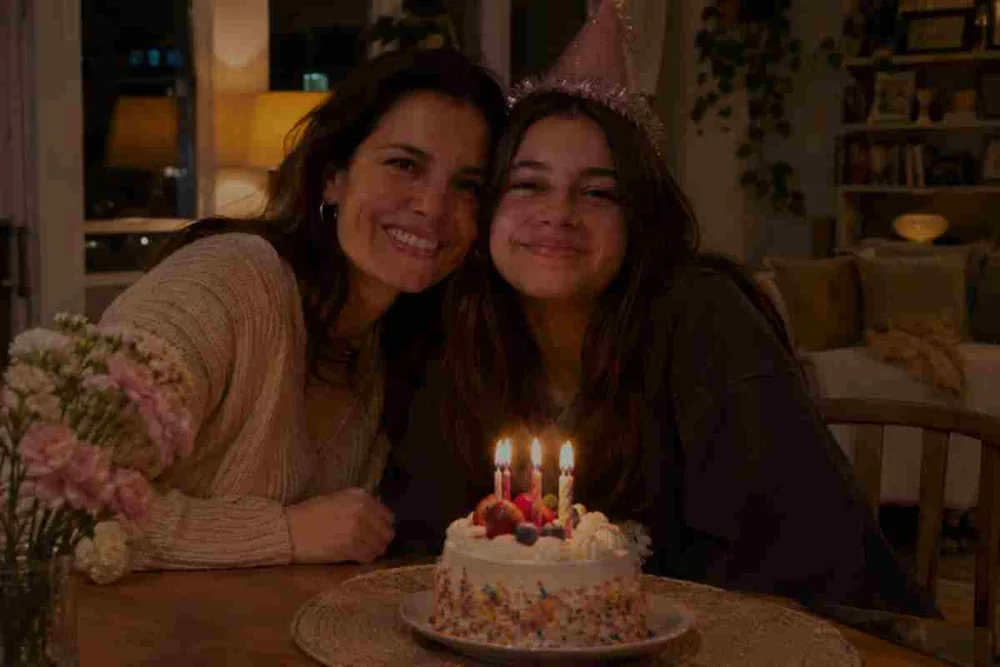
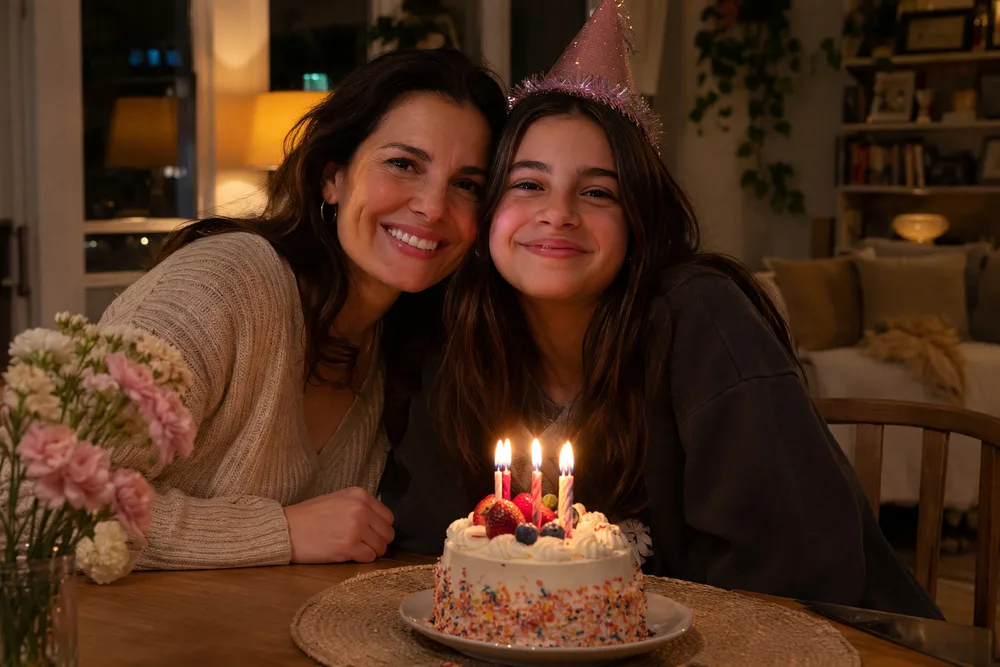
Noise and JPEG cleanup
Clean heavy compression, improve exposure and recover natural detail in difficult indoor smartphone photos.
One archive, many problems
Restore the damage commonly found in old photo collections
Scratches and dust
Clean scan marks, surface scratches and small blemishes while keeping authentic photographic texture.
Fading and color casts
Recover contrast and neutralize orange, yellow or magenta shifts in aging color prints.
Tears and fold lines
Repair creases, cracks and damaged edges without turning the photograph into a synthetic illustration.
Soft or damaged faces
Apply focused portrait recovery only where the analyzer detects that facial detail needs extra attention.
Low-resolution scans
Upscale suitable files for digital delivery or printing while retaining the original proportions.
Black-and-white colorization
Add restrained, period-aware color when colorization is selected for an individual image.
A clear production flow
How to restore a large photo archive
Upload the complete batch
Send individual images or one ZIP containing nested folders. No need to flatten your archive first.
Review smart recommendations
The analyzer checks each preview and recommends restoration, portrait recovery, colorization or enhancement.
Process and download
Track every file, retry exceptions and download individual results or one organized ZIP with a CSV report.
Built for volume
Who uses batch photo restoration?
A professional archive needs more than a one-photo editor. Logowski is designed for repeatable jobs where names, folders, quality and exceptions matter.
Photo labs and scanning services
Prepare customer albums after digitization without manually opening every scan.
Archivists and local museums
Triage mixed historical collections and keep a clear record of the selected treatment.
Genealogists and family historians
Restore inherited albums while preserving filenames that connect photographs to family records.
Photographers and retouchers
Automate routine cleanup, then reserve manual retouching for the images that truly need it.
Archive-friendly input
Upload modern files and legacy scans together
Mix common web images, high-quality scans and iPhone formats in one workflow. Compatible files inside ZIP folders are discovered automatically.
- JPEG
- PNG
- TIFF
- WebP
- HEIC / HEIF
- AVIF
- BMP
- GIF
Human control where it matters
One recommended mode per image — never one blind filter for every file
A ZIP may contain portraits, landscapes, faded prints and clean scans. The free analysis stage identifies different needs before paid processing begins.
- Change the suggested mode for any file
- Keep black-and-white originals monochrome
- Flag difficult results for manual review
- Retry failed files without rebuilding the batch
Production-ready delivery
Finish with an organized archive, not a folder of anonymous downloads
Preserve source filenames and nested folder paths wherever possible.
Download one restored image immediately or collect the completed job as a ZIP.
See the status, chosen mode and result for each source file in the batch.
Select enhanced output for files intended for larger digital displays or print workflows.
Honest restoration
AI can repair visible damage, but important archives still deserve review
Restoration can reconstruct detail that is difficult to read in the source. For historically significant photographs, retain the original scan and review faces, uniforms, insignia, text and other evidence-sensitive details before publication.
Logowski keeps the original file separate from the processed result, so your source archive remains the point of reference.
Questions, answered
Batch photo restoration FAQ
Can I upload a ZIP archive of old photos?
Yes. Upload a ZIP or individual image files. Compatible images are collected from nested folders, and their organization is retained for export.
Does every photo receive the same restoration?
No. The analyzer recommends a treatment per file. You can review and change each recommendation before starting processing.
Which file formats are supported?
JPEG, PNG, WebP, BMP, TIFF, AVIF, GIF and HEIC or HEIF are accepted. Images can be uploaded directly or inside a ZIP archive.
Can Logowski colorize black-and-white photographs?
Yes. Colorization can be selected where appropriate. For historical work, treat generated colors as a plausible interpretation unless colors are independently documented.
Can I keep a restored image black and white?
Yes. Restoration and colorization are separate choices, so monochrome photographs can remain monochrome.
Can I download files individually and as a ZIP?
Yes. Download individual completed files or export the whole batch as an organized ZIP with a CSV report.
Is the original archive overwritten?
No. Processing creates new result files. Keep your original scans as the archival reference.
What happens if one image fails?
The file is marked in the job report so it can be retried without restarting successful items.
Turn one ZIP into a reviewed restoration job
Upload your archive and inspect recommendations without registration. Sign in only when you are ready to process the images.
Analyze your first batch